How to Redeem Dream.exe Codes
Step-by-step redeem workflow for when Wintermute67 drops a real promo string—none verified yet.
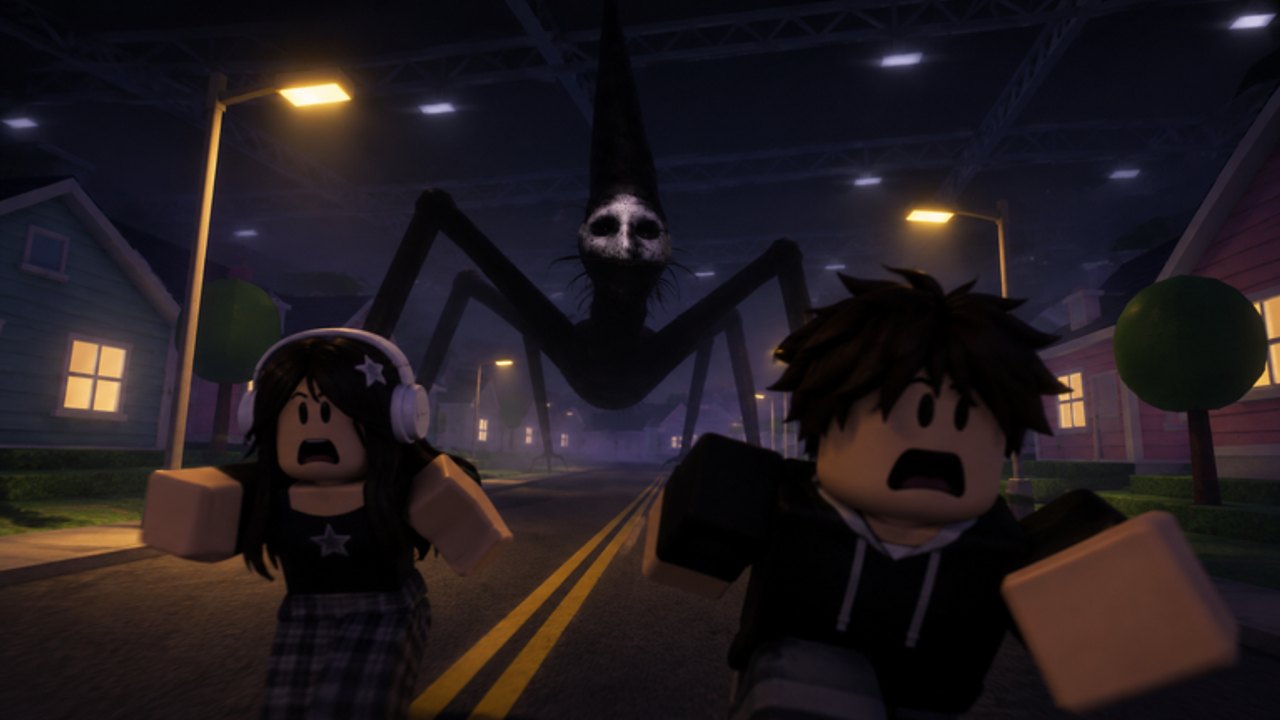
This page is the dedicated how to redeem guide for Dream.exe on Roblox. Dream.exe is Wintermute67’s dreamcore liminal survival-escape experience: collect candles, buy abilities with coins, find the exit, and survive days while something hunts in the dark. Servers hold up to 20 players.
Important status first: there are still no verified Dream.exe promo codes. ScriptBlox and similar indexes also show nothing title-specific at the time of this writing. This guide exists so that when a real code lands, you already know the workflow, the HUD places to check, and the scam patterns to ignore. For the live Active / Expired tables, always start on the parent Codes Hub.
Why a redeem guide before codes exist
Launch-era Roblox horror titles often add a codes panel in a later content drop—sometimes alongside the official storefront line [More levels on the way!]. Players who wait until a TikTok comment pastes a string usually mistype it, redeem on a fake place, or download malware “generators.” Learning the checklist now keeps your account safer and your rewards cleaner when Wintermute67 actually posts something.
Until that day, progression still comes from the loop in Getting Started, not from invented code lists.
Step-by-step redeem workflow (when a code appears)
Use this sequence every time a primary source announces a string:
- Confirm the source. Prefer the official Dream.exe experience page description/update posts or the Wintermute67 creator profile. Cross-check the Updates Hub if a patch stamp coincided with the drop. Ignore cold Discord DMs and “free Robux + codes” sites.
- Launch the real place. Join through the official play link (place
114501266885286, universe10774525099). Copycat experiences with similar art will never redeem the creator’s codes correctly. - Hunt the HUD for a Codes / Gift / Twitter / Shop control. Dream.exe may place the button as a small icon along the left edge, top bar, or inside a shop/menu stack. Open every obvious panel once after a major update—codes UI often ships quietly.
- Open the text field. Look for labels like Codes, Promo, Redeem, or Gift. If you only see a coin shop with no text box, the build may not have codes yet—leave and recheck after the next refresh instead of guessing.
- Enter the string exactly. Match capitalization, numbers, underscores, and hyphens. Do not add spaces before or after. Prefer paste over retyping when the official post provides a clean string.
- Confirm redeem, then verify rewards. Check coin balance, inventory, cosmetics, or ability shop unlocks. Some rewards apply only after a short delay or a rejoin.
- On failure, diagnose once. Leave and rejoin a server, retry once with the same exact string, then stop. Repeated spam clicking will not revive an expired or mistyped code.
If the game returns invalid, expired, or already-redeemed, move on. Update your notes and wait for the Codes Hub Active table rather than hunting ten unverified mirrors.
HUD hunting tips inside liminal lobbies
Full 20-player servers are noisy. Redeem UI hunting is safer in a quieter moment—after spawn orientation, before a candle sprint, or while dead and waiting to respawn if the menu remains available.
- Scan static HUD chrome first (corners, top strip), then open hamburger / menu / shop stacks.
- After any November-style refresh, assume the button may have moved; do not rely on a friend’s outdated screenshot alone.
- If chat is spamming “codes???,” ask whether anyone successfully redeemed and which panel they used—not which random string they saw on TikTok.
- Never stand in an open dark yard with your full settings menu open while the entity is active. Finish redeem attempts from cover or a lit porch when possible.
Pair mechanical survival habits with this UI checklist via Getting Started so code hunting does not get you snatched mid-menu.
Case sensitivity and common redeem mistakes
Roblox promo fields are usually case-sensitive and punctuation-sensitive. Typical failure modes:
- Lowercasing a mixed-case code because chat auto-corrected it.
- Replacing
0(zero) withO, or1withl. - Adding a trailing space when copying from a styled social post.
- Redeeming on an alt that was not the intended account—or assuming family-shared codes work twice when they are single-use per account.
- Trying a code meant for a different Wintermute67 place or an unrelated dreamcore experience.
Best practice: copy from the primary post, paste once, and keep a personal note of success/failure with the date. When this wiki verifies a string, the Codes Hub will show status so you are not depending on memory alone.
Scam avoidance — codes vs scripts vs phishing
Codes are an official redeem path when the creator ships them. They are not the same as executor scripts.
- Never pay a stranger for “private Dream.exe codes.”
- Never download a “code generator” executable or browser extension.
- Never paste a
loadstringthat claims to auto-redeem codes—that is exploit tooling. Read the Scripts Hub safety notes; ScriptBlox searches for this title were empty, and unverified injectors remain ban and malware risks. - Never enter your Roblox password on a lookalike “redeem portal” website. Real redemption happens in-experience (or through official Roblox flows the creator documents)—not on random domains.
- Treat screenshots of codes without a visible primary source as unverified until you confirm them yourself.
If a message combines a code with “run this script for free coins,” discard both.
Where to watch for the first real drop
Bookmark these and check them after every Updated stamp on the experience:
- Official experience page: Dream.exe on Roblox
- Creator profile: Wintermute67
- In-experience announcement banners after patches
- This wiki’s Codes Hub, Updates Hub, and Links Hub
When more levels ship under the public [More levels on the way!] promise, re-open the HUD—new content drops are the most common moment for a first codes UI.
After a successful redeem
Spend rewards with intent. Early coins still belong in vision, mobility, or detection roles that fix how you actually die—not impulse shop clears. Return to Getting Started if you are still learning candle and exit fundamentals, and keep the Codes Hub bookmarked for status changes.
Quick links
- Codes Hub — Active / Expired tables and hub status
- Scripts Hub — why injectors are not “code redeemers”
- Updates Hub — patch timing that often accompanies drops
- Getting Started — survival loop without promos
- Links Hub — official play link and creator profile
Honest line, repeated on purpose: no verified Dream.exe codes yet. This page teaches the redeem workflow so you are ready—not so we can invent strings to fill a table.
Frequently Asked Questions
Quick answers for Dream.exe survivors.
Are there any Dream.exe codes to redeem right now?
No. There are still no verified promo codes for Dream.exe. Use this page for the redeem workflow only; check the Codes Hub Active table when a primary source posts a real string.
Where is the codes button in Dream.exe?
Placement can vary by build. After joining the official place, check HUD corners and any Codes, Gift, Twitter/X, or Shop panels. If no text field exists, the current build may not support codes yet.
Do Dream.exe codes care about capital letters?
Yes—treat codes as case-sensitive and punctuation-sensitive. Paste exactly from the official post and avoid extra spaces.
Where should I watch for new codes?
Monitor the official Dream.exe Roblox page, Wintermute67’s creator profile, in-game update notices, then this wiki’s Codes Hub after verification.
Is a Discord loadstring the same as redeeming a code?
No. Promo codes use the in-game redeem field. Loadstrings and executors are unofficial scripts with ban and malware risk—see the Scripts Hub.